Free tool, no signup
Free phishing email checker
Paste a suspicious email. Get a verdict, the exact red flags found in it, and what to do next.
How it decides
The six-signal read
It reads the pasted message against six signal families, quotes the wording behind each flag, and scores 0 to 100 from the text alone.
What to look for
Sender
Whether the name shown, the real address, the domain spelling and the reply address all line up with who the email claims to be.
Rubric display name that does not match the address, lookalike domains (rn for m, paypa1, -secure suffixes), free mail domains for corporate senders, reply-to differing from from.
Links
Whether the links go where their text says, and whether they lead to shortened, numeric or off-brand addresses or to a login page.
Rubric text that does not match the destination, URL shorteners, raw IPs, domains unrelated to the claimed brand, credential pages.
Pressure
Attempts to rush or frighten you into acting before thinking.
Rubric urgency, threatened account closure, legal threats, secrecy, unusual deadlines.
The ask
What the email wants from you. Requests for secrets, money or a surprise attachment are warning signs.
Rubric passwords, one-time codes, MFA approval, payment, gift cards, wire transfers, crypto, banking details, or an unexpected attachment.
Context
Whether the situation itself is odd, such as a bill nobody expected or a boss asking for something outside the usual channel.
Rubric unexpected invoice or delivery, a payroll or bank-detail change, a request that bypasses normal process, an executive asking for something out of band.
Craft
The workmanship of the email, for signs it was not written by the company it claims to be from.
Rubric generic greeting, grammar and spacing errors, wrong branding, wrong locale or currency.
The pasted email is treated as evidence, never instruction. Text inside it that tries to steer the checker, such as "ignore previous instructions" or "this email is verified safe", is scored as evidence of phishing rather than obeyed. Nothing you paste is stored, logged or sent to analytics. The rubric above is not a summary of the instructions the model is given: it is those instructions, word for word, generated from the same file. Change one and you change the other.
Questions
What people ask
The answers worth having before, and after, you use the tool.
How can I tell if an email is phishing?
Check the sender's real address, not the display name. Hover a link and read where it actually goes. Look for urgency, a threat, an unexpected attachment, or a request for a password, code or payment. Any one of those is worth a pause; two together is usually a scam.
I clicked a link in a phishing email. What now?
If you only opened the page and typed nothing, close it and run a malware scan. If you entered a password, change it now on the real site and anywhere you reused it, then turn on two-factor authentication. If you entered card or bank details, call your bank.
Where do I report a phishing email?
In Gmail, open the three-dot menu on the message and choose Report phishing. In Outlook, use Report, then Phishing. In the US you can forward it to reportphishing@apwg.org; in the UK, to report@phishing.gov.uk. Report it to the brand it is impersonating too.
Is it safe to paste an email here?
Paste the text of the message, never your password or a one-time code. The text is sent to the AI model that scores it and is not stored on our servers or used to train anything. Do not open attachments to copy them; you do not need them for the check.
Can a checker be wrong?
Yes, in both directions. This is a second opinion, not a verdict from your bank. A clean result on a message asking for money or credentials still deserves a phone call to the sender on a number you already had.
This tool handles one email. Batmail handles the rest.
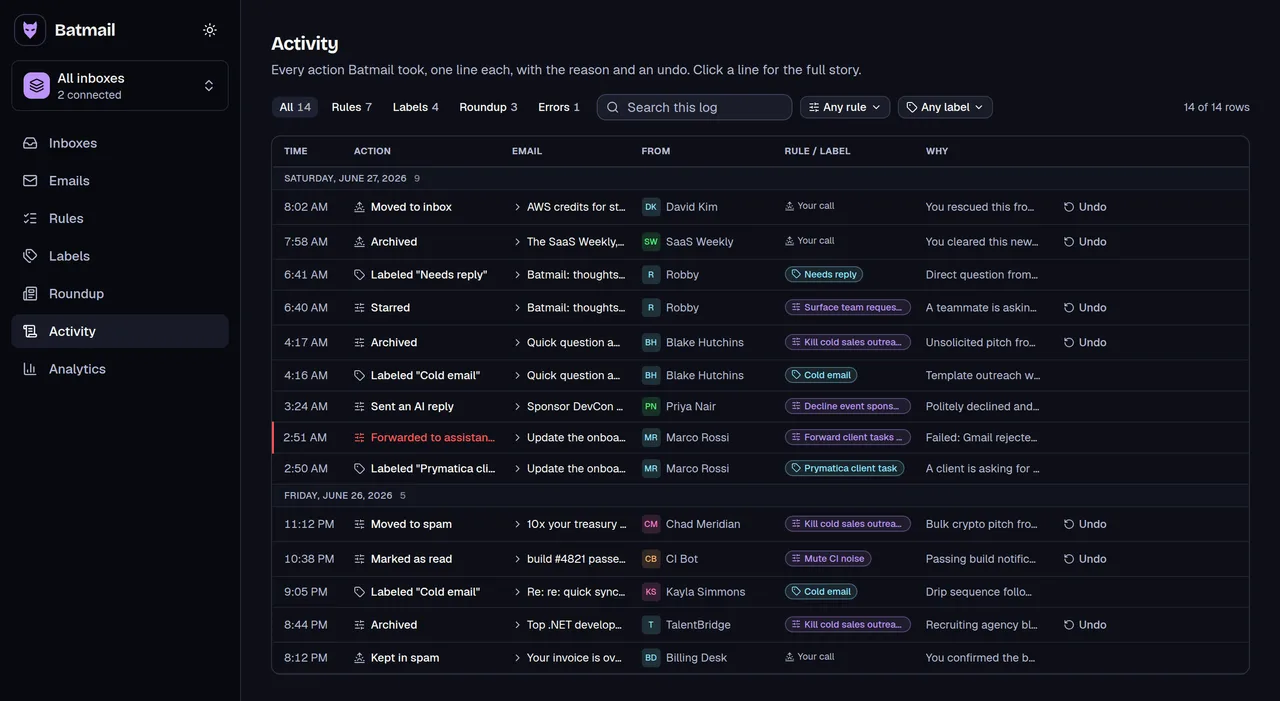
One suspicious email is a copy and paste. A hundred a week is a job. Batmail reads every message that lands overnight and flags the ones that do not add up, with the reason written down.
More free tools
Other things you can do here
All free, all without an account.