Free tool, no signup
Free subject line length checker
Type a subject line and see its length, its word and punctuation counts, and where an inbox row cuts it off.
What was counted
- Characters
- 0
- Words
- 0
- Words in all capitals
- 0
- Capital letters
- 0
- Exclamation marks
- 0
- Question marks
- 0
- Other punctuation marks
- 0
- Emoji
- 0
Inbox preview
Phone row. The subject gets a line of its own.
Desktop row. The subject and the first words of the message share one line.
Swipe the row sideways to see all of it.
The phone row is a 390 px wide screen, where the subject gets a 300 px line. The desktop row gives the subject and the message one 420 px line. Both use 14 px text, measured in your browser.
This tool handles one email. Batmail handles the rest.
Continue with GoogleHow to use it
Here is how to read the results.
The numbers and both previews update with every key you press.
- Type or paste the subject line. Add the sender name and the first line of the email if you want the preview to look like the real thing.
- Read the counts: characters, words, words in all capitals, capital letters and each kind of punctuation mark.
- Look at the phone row. Three dots mark the place where the subject is cut, and the words that did not fit are listed under the row.
- Look at the desktop row. It shows how much of the line is left for the first words of your message.
- Move the important words to the front and check again.
What the checker counts
LAST CHANCE!!! Our spring sale ends tonight, do not miss it
These three subject lines show what the counts tell you.
A plain subject puts the facts first.
A bookkeeper at Hallowmere Print Co writes "Invoice 2041 is due Friday 17 October". The checker counts 37 characters and 7 words, with no words in all capitals and no punctuation marks. The invoice number and the day sit at the front, so they are the part every reader sees.
A loud subject shows up in the counts.
A shop owner drafts "LAST CHANCE!!! Our spring sale ends tonight, do not miss it". The checker counts 59 characters, 11 words, 2 words in all capitals and 3 exclamation marks, and the phone row cuts the line before the end. She rewrites it as "Spring sale ends tonight" and checks again: 24 characters, 4 words, no words in all capitals and no exclamation marks.
A short subject leaves room for the message.
Kasimir Aldercott wants a reply from a customer and types "Quick question about Thursday". It is 29 characters and 4 words, and it fits on both rows. The desktop row shows that the rest of the line goes to the first words of the email, so he opens the message with the question itself.
Two rows, two cuts
Hallowmere Print Co
Invoice 2041 is due Friday 17 October
The subject gets a short line of its own.
The subject shares one long line with the first words of the message.
These are the mistakes the preview catches.
The important word sits at the end.
A date, a name or an amount at the end of a long subject is the first thing a narrow row cuts. Put it at the front.
The subject repeats the sender name.
The inbox row already shows who sent the email. Starting the subject with your company name spends the visible part on something the reader has just read.
The first line of the email is a greeting.
Desktop Gmail shows the start of the message after the subject. A greeting fills that space and tells the reader nothing new.
The line was checked on one screen only.
A subject that fits on a wide monitor can lose its last words on a phone. Read both rows before you send.
Two other free tools pick up where this one stops.
- The subject line tester grades a line and suggests stronger versions.
- The professional email rewriter works on the message under the subject.
Questions
These are the questions people ask.
The answers worth having before, and after, you use the tool.
How long should an email subject line be?
Short enough that the words that matter show before the cut. Type your subject above and look at the phone row: whatever is listed as cut off is what a reader on a phone will not see. Put the name, the date or the decision first.
Why does the cut differ between a phone and a desktop?
A phone row is narrow and gives the subject a short line of its own, so it cuts early. Desktop Gmail puts the subject and the first words of the message on one long line, so the subject usually shows in full and the message takes whatever room is left.
How does the checker count characters?
It counts what a reader sees. A letter, a digit, a space and a punctuation mark are one character each, and an emoji counts as one. Spaces at the start and the end are ignored.
What counts as a word in all capitals?
A word of two or more letters with every letter a capital, such as SALE or URGENT. A single capital letter, like I or A, does not count.
Does the checker give my subject line a score?
No. It reports what can be counted and shows the preview, and the judgment stays with you. The subject line tester on this site gives a graded read with rewrites.
Is my subject line sent anywhere?
No. Everything is counted in your browser as you type. Nothing is uploaded, and there is no account to create.
This tool handles one email. Batmail handles the rest.
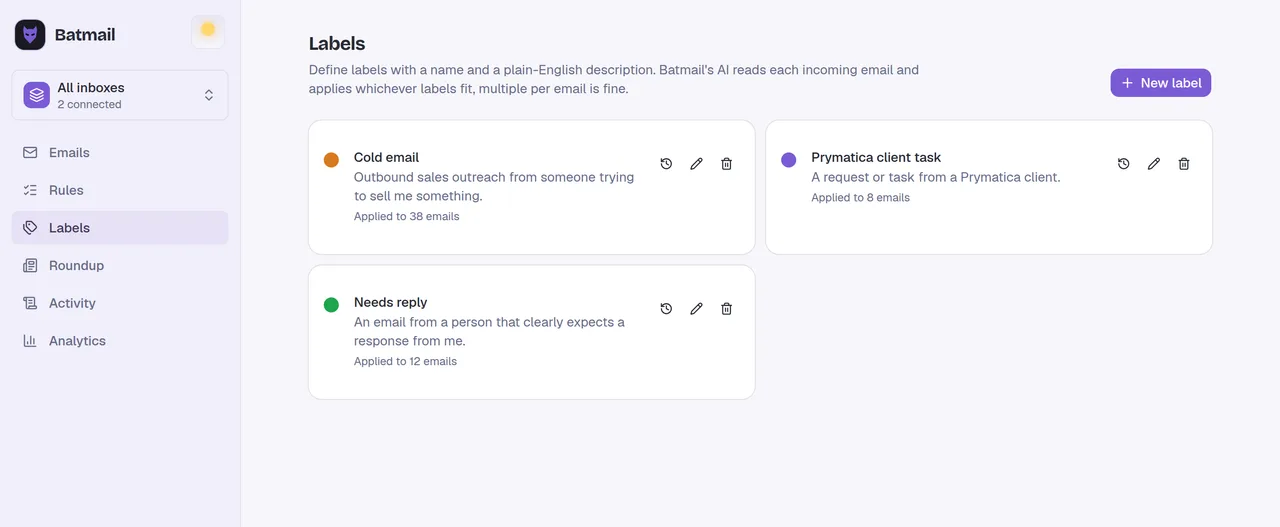
A subject line that fits gets one email read. Batmail works the other side of the inbox: it reads every message that lands overnight, sorts each one by what it is, and writes down the reason.
More free tools
There are more free tools here.
All free, all without an account.